
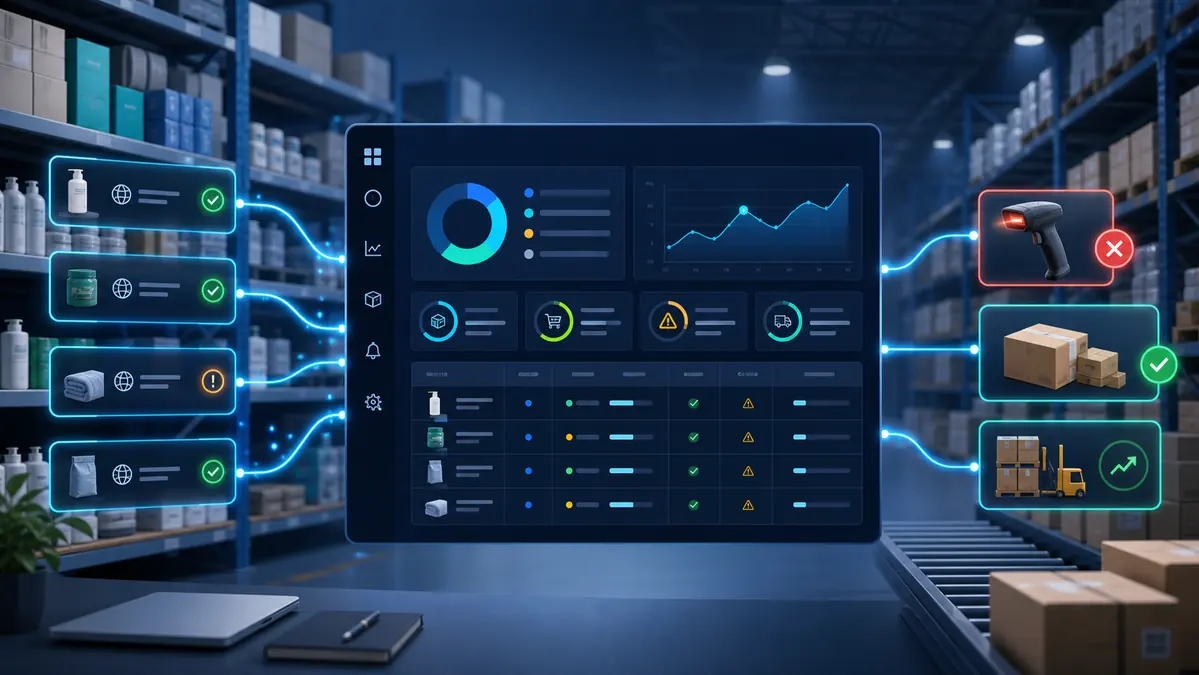
Supplier stock monitoring software watches the supplier products behind your catalog so you can see availability risk before orders are affected. That sounds simple, but the useful version is more than an in-stock or out-of-stock alert.
A good supplier monitoring workflow tells you what changed, which listings depend on that supplier source, whether the source can be trusted, and what action your team should review next.
Start with source coverage
The first question is whether your products have supplier sources attached at all. Unmapped products cannot produce good alerts because there is nothing reliable to check. Your monitoring system should show missing sources, stale sources, and source URLs that recently failed.
This is where operators often find hidden risk. A catalog can look tidy from the selling-channel side while half the products still depend on old supplier links or manual memory.
Track availability, not just quantity
Supplier pages do not always expose a clean stock number. Sometimes they show availability wording, disabled buttons, variation states, or delivery changes. Monitoring should interpret availability signals carefully and preserve uncertainty instead of inventing confidence.
A failed check should be visible. It should not be treated as healthy stock. If the source cannot be read, the team needs to know that the product deserves review.
Supplier signals worth adding to your daily queue
A practical supplier stock monitoring queue should include:
- Out-of-stock source products.
- Low-stock products below your chosen threshold.
- Supplier pages that failed or redirected.
- Products with changed pack size or variation availability.
- Supplier stock that no longer supports the exposed channel quantity.
- Products where price changed at the same time as stock.
Connect supplier stock to pricing risk
Stock and price often move together. A supplier may restock a product at a higher cost, remove a promotion, or change shipping terms. If the product is still available but no longer profitable, the seller still needs to review it.
That is why supplier stock monitoring should sit beside supplier price monitoring software, not in a separate forgotten report.
Where Zelluvo fits
Zelluvo focuses on supplier visibility, SKU mapping, stock risk, price risk, and approval-first update queues. It is made for sellers who need practical operational control before they trust deeper automation.
The workflow is simple: monitor supplier sources, identify the affected listings, calculate risk, and review the safest next action.
Related Zelluvo guides
- dropshipping supplier stock monitoring
- ecommerce stock monitoring checklist
- supplier monitoring checklist for operators
A practical workflow for the first week
Do not start by trying to automate every decision around supplier stock monitoring software. Start by building a clean review routine. Pick the products that create the most risk: best sellers, thin-margin items, unreliable supplier sources, variation-heavy listings, and products with previous cancellations.
On day one, confirm the source relationship for those products. On day two, review low-stock thresholds and buffers. On day three, check whether price changes affect margin. By the end of the week, the team should know which products are safe, which need review, and which should not be automated yet.
This first-week rhythm is useful because it produces evidence. You can see whether sources fail, whether mappings are trusted, and whether alerts are useful or noisy. That is the kind of operating knowledge a generic feature checklist cannot give you.
Common mistakes to avoid
Most problems with supplier stock monitoring software come from moving too fast before the catalog is clean. Watch for these mistakes:
- Treating a parent product as safe when the exact variation is unavailable.
- Letting every supplier change update a live listing without review.
- Using one low-stock threshold for every product, regardless of sales velocity.
- Ignoring failed source checks because no stockout alert appeared.
- Forgetting that supplier price changes can create margin risk even when stock is healthy.
- Buying broad software before the team has a daily review process they can actually run.
What to measure after 30 days
After a month, look at outcomes rather than dashboard activity. Count how many risky products were caught before an order, how many supplier failures were reviewed, how many mappings were fixed, and how often proposed changes were approved without manual recalculation.
Also track alert quality. If the team ignores half the queue, the rules are too noisy. If cancellations still happen because products were missed, the rules are too loose or the mappings are incomplete. Good monitoring gets sharper over time because the workflow teaches you where the catalog is fragile.
Use the results to decide whether to expand the workflow into more products, more channels, or deeper automation. Zelluvo's related feature page at /features/supplier-price-monitoring is the commercial next step for sellers who want to turn this process into a repeatable system.
FAQ
Is supplier stock monitoring software only useful for large sellers? No. Smaller sellers benefit when a few stockouts or margin mistakes can wipe out profit for the week. The value is not catalog size alone; it is how expensive a missed supplier change can be.
Should updates be fully automatic? Not at first for risky products. Approval-first workflows are safer while you are still proving mappings, thresholds, supplier reliability, and price rules.
Where should a seller start after reading Supplier Stock Monitoring Software: What Ecommerce Sellers Should Track? Start with the 20 products most likely to create customer or margin problems. Map them cleanly, monitor them daily, and expand only after the alerts are accurate enough for your team to trust.